HDMI 2.1 · GAMING
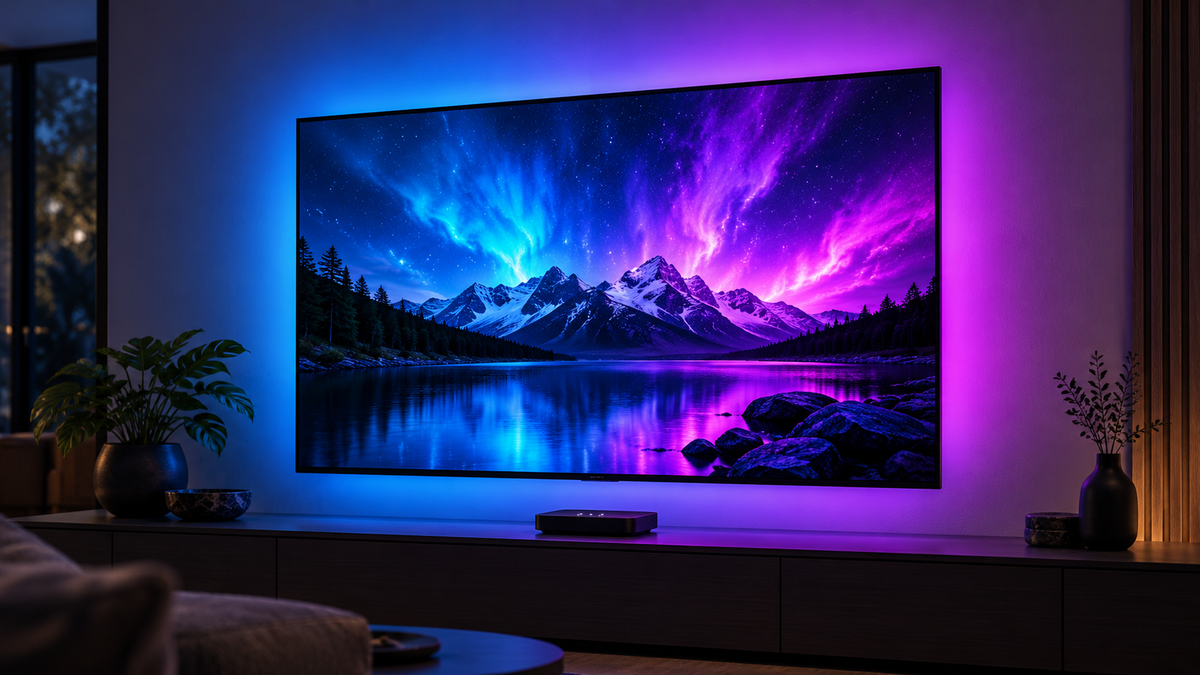
HDMI 2.1 TV Backlight
- Sync method
- HDMI 2.1
- TV apps
- External HDMI
- Video support
- 4K / 120Hz
- Best for
- Console gaming
4K / 120Hz gaming
External HDMI required
TV Backlights
Shop TV backlights for gaming and films, with camera or HDMI sync.
HDMI 2.1 · GAMING
4K / 120Hz gaming
External HDMI required
HDMI 2.0 · CINEMA
4K / 60Hz viewing
External HDMI required
CAMERA · EVERYDAY TV
Camera-based sync
Works with TV apps
TRIPLE CAMERA · RGBIC
Triple-camera RGBIC
Works with TV apps
Zyko Setup Match
Answer a few quick questions and we'll help you find the right kit for your TV and viewing setup. Answer a few questions to find the right backlight for your TV, gaming and streaming setup.
Compare The Difference
Two Ways to Sync Your TV Backlights
Discover the difference between HDMI and camera sync TV backlights, and find the right lighting for your setup.

HDMI TV Backlight
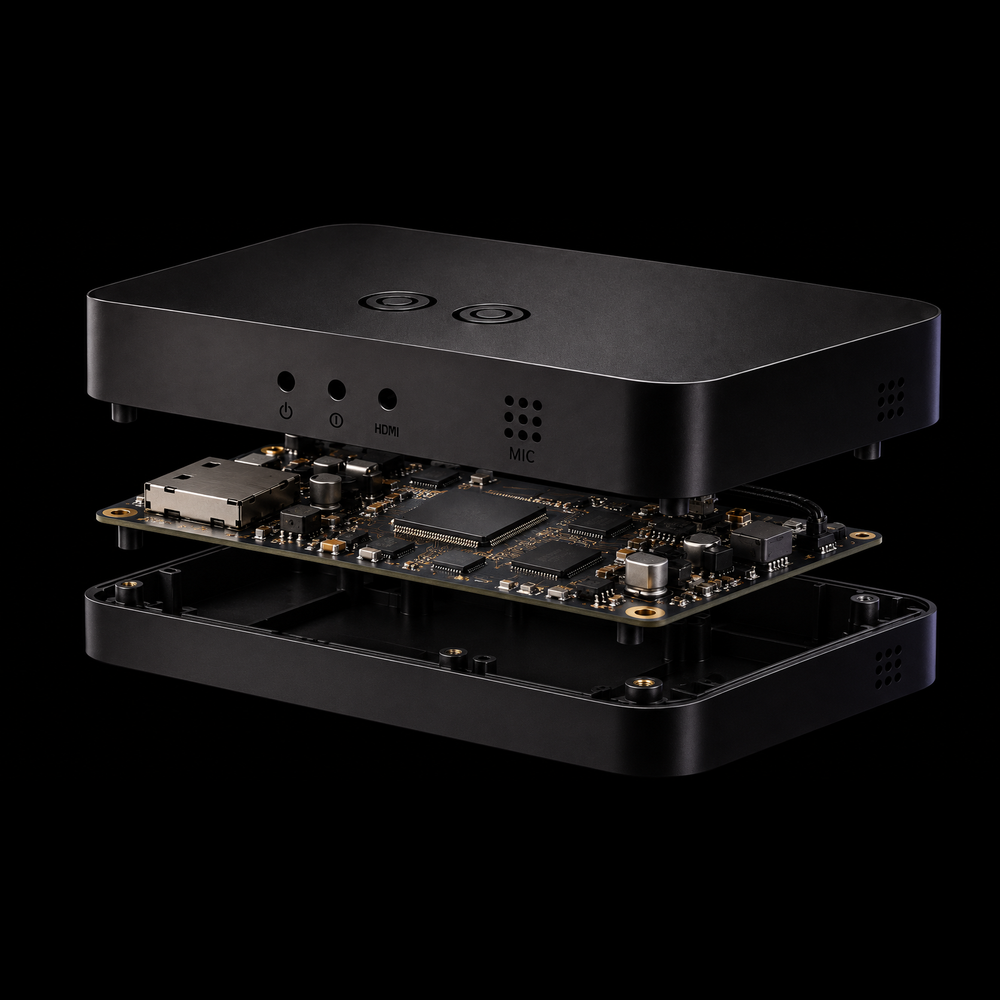
HDMI Sync
HDMI sync boxes capture colours directly from your gaming console or external streaming device, creating responsive TV backlighting without a visible camera. Unlike camera-based kits, they connect through HDMI for direct signal synchronisation, making them ideal for gaming and streaming setups. Built-in TV apps require an external streaming device to sync.

Camera Sync TV Backlight
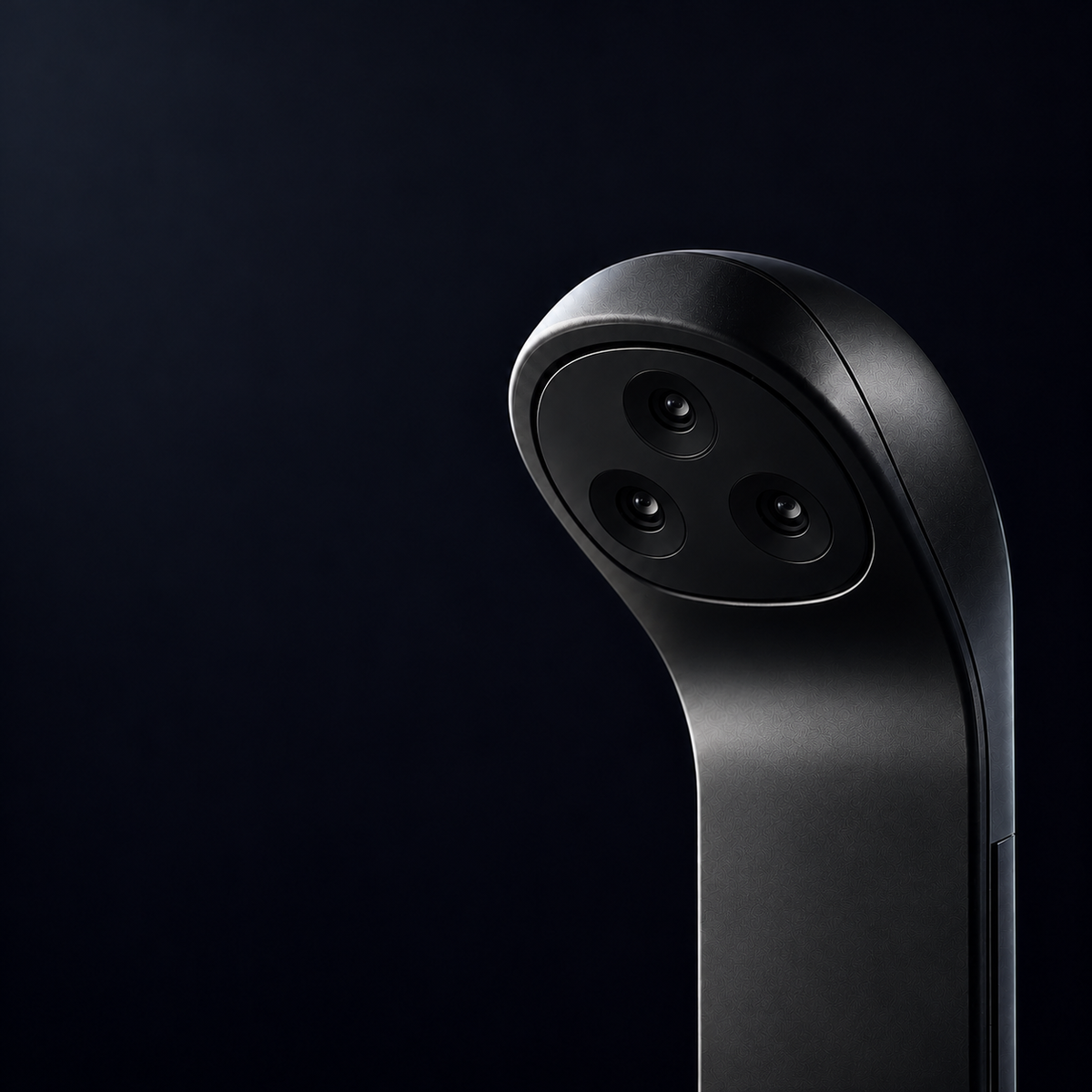
Camera Sync
Camera sync backlights use a small camera to detect colours directly from your TV screen, creating responsive lighting that matches what you're watching. Unlike HDMI sync boxes, they work with built-in TV apps, live television and gaming consoles without changing your existing connections. The camera simply needs to be positioned and calibrated.
Find answers to common questions about TV backlights, compatibility, installation and choosing the right sync kit for your setup.
Each Zyko Atmos TV backlight kit comes with the main components needed for installation, including the LED lighting, its controller or sync box, and the necessary power accessories.
HDMI sync kits also include the relevant connection accessories, while camera-based kits include the camera used to detect on-screen colours.
Depending on your setup, you may need an additional HDMI cable, HDMI switch or external streaming device. Please check the individual product page for the exact package contents.
Absolutely! Zyko TV backlights can be installed on wall-mounted televisions, provided there is enough space behind the screen for the LED strips and cables.
For the best lighting effect, allow some distance between your TV and the wall so the colours can spread evenly. If your television is already mounted, you may need to carefully pull it forward or remove it temporarily during installation.
Always ensure the strips and cables do not interfere with the TV's mounting brackets or ventilation.
Yes. Zyko TV backlight kits are designed to sit behind your television, allowing most of the wiring to remain out of sight.
You can route the LED connections and power cables along the back of your TV, using suitable cable clips or ties to keep everything tidy.
For wall-mounted setups, cables can also be routed through an appropriate cable management system for a cleaner finish. Avoid trapping cables behind mounting brackets or blocking ventilation.
Our TV backlight strips use adhesive backing to attach securely to your television. Removing them carefully can help reduce the risk of leaving residue or damaging the surface, although this cannot be completely guaranteed.
We recommend gently peeling the strips away rather than pulling them forcefully. Adhesive residue may need to be removed using a cleaning method suitable for your TV's surface.
Avoid sharp tools, excessive heat or harsh cleaning chemicals.
Of course! Your Zyko Atmos backlights aren't limited to synchronising with your TV screen.
You can switch between supported lighting modes, select your favourite colours and adjust the brightness to create the atmosphere you want, even when you're not watching something.
Whether you're relaxing with soft ambient lighting or creating a colourful gaming setup, you can enjoy your TV backlights without having to use screen synchronisation. Available effects and controls vary by model.
In many cases, you can transfer your TV backlights to a new television, provided the LED strips and connections remain undamaged during removal.
The original adhesive may lose its grip once removed, so you may need suitable replacement adhesive to secure the strips to your new TV.
Before reinstalling, check that the LED strip length suits your new screen size. Take extra care when removing the strips, as bending or pulling them too forcefully could cause damage.
Camera-based TV backlights don't interfere with your existing HDMI connections, so your soundbar or surround sound system can remain connected as normal.
HDMI sync boxes work a little differently, as they sit between your HDMI device and television. Soundbars and home cinema receivers can still be used, but the correct connection arrangement depends on your equipment.
If your soundbar uses HDMI ARC or eARC, check that your TV's audio-return connection is maintained and that any additional HDMI equipment supports your required audio and video formats.
We recommend choosing a TV backlight kit that matches your television's screen size, measured diagonally in inches.
If your TV falls between two available size options, don't worry! A slightly larger or smaller kit may still be suitable depending on the model and how the LED strips are positioned.
For example, a 48-inch TV may work with our 50–55-inch kit, while a 100-inch TV may be suitable for our 90–98-inch version.
If you're unsure which size to choose, try our Setup Match quiz or contact our team. We're happy to help you find the best fit for your television.
Yes! Our Zyko Atmos HDMI 2.0 Sync Box allows up to two HDMI devices to be connected, while our HDMI 2.1 Sync Box has one HDMI input.
If you need more connections, you can use a compatible HDMI switch to connect multiple devices, such as a PS5, Xbox or streaming stick, and select which one you want to use. Only one device can provide the synchronised picture at a time.
Make sure your HDMI switch supports the HDMI version and features you need. For 4K 120Hz gaming, choose a switch that explicitly supports 4K 120Hz, VRR and ALLM where required.
Our additional 30-day change-of-mind offer requires eligible items to be unused, undamaged and returned in their original packaging, with all included parts and accessories. Contact hello@zyko.uk before sending a return so we can provide instructions. These conditions do not limit statutory cancellation or faulty-goods rights. For eligible UK statutory cancellations, you may inspect the goods as you reasonably could in a shop, and original packaging is not required. Please see our Refund Policy for full details.
We provide free worldwide tracked delivery, with most orders arriving within 6–12 business days after dispatch. Every order includes tracking, so you can follow your delivery from dispatch to arrival where available.
Our support team can help with setup, troubleshooting and product questions. Contact us at hello@zyko.uk and we’ll respond as soon as possible during our business hours.
Guides, comparisons and practical tips to help you choose the right TV backlight for your setup.

TV LED Lights That Change With the Picture: How to Choose the Right Setup
Want LED lights behind your TV that match what's happening on screen? Discover how screen-sync lighting works, which systems support built-in streaming apps, and how to choose the right backlight f...

HDMI Sync Box vs Camera: Which TV Backlight Should You Buy?
Compare HDMI sync boxes and camera TV backlights for built in TV apps, consoles, 4K 120Hz gaming, compatibility and UK pricing.

HDMI 2.0 vs HDMI 2.1: Which Sync Box Should You Buy?
Choose your TV backlight around the signal you actually use. Compare Zyko’s HDMI 2.0 and HDMI 2.1 kits, see current UK size prices, and check gaming features, HDR and streaming-app limitations befo...
Curated lighting and decor for every kind of setup.